1. Install the App
Use the link provided to download the ShareWifi app on your Android device. Or scan the QR code to download the app.
To access it in your PC and for iPhone users, click here https://app.sharewifi.cc/

2. Register an account.
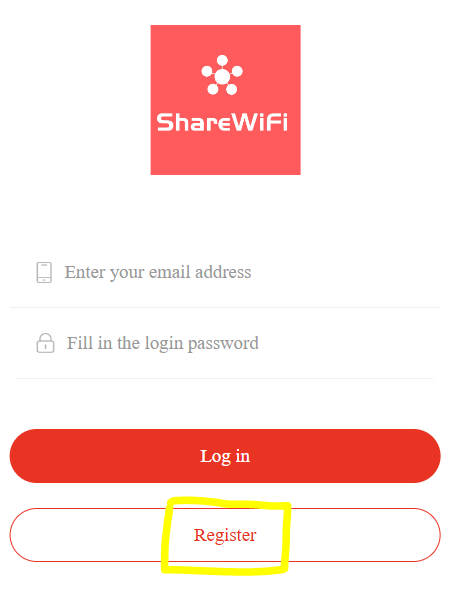
Open the app and click register. After registering, put credential and click log in.
Was this article helpful?
That’s Great!
Thank you for your feedback
Sorry! We couldn't be helpful
Thank you for your feedback
Feedback sent
We appreciate your effort and will try to fix the article